Pets
Clawd and the robot at the bottom of the glowup pane, how they react, speech bubbles, the shiny one, and your own pets.
Clawd
Clawd is a pixel pet who sits at the bottom of the glowup pane and reacts to what Claude is doing. He is drawn in half-block characters in Claude Code's orange and keeps his colors under every pack and theme. He is on by default. The robot and pets you draw yourself are the alternatives.
He only appears in the pane, so you see him when the pane is docked beside the transcript or opened as a drawer with /glowup pane. A drawer narrower than 80 columns shows a one-row Clawd, ▐▛█▜▌, instead of the full sprite. Other pets show ▗▟█▙▖ in their main color. Reduced motion and /glowup pet off both hide him.
What he does
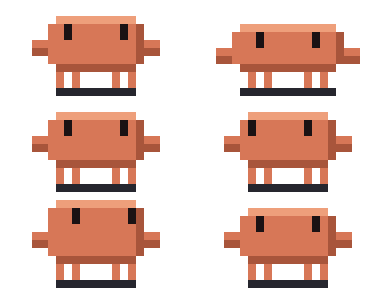 | When nothing is happening he stands around and blinks. |
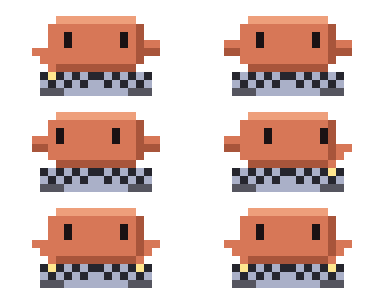 | While Claude edits files or runs commands, he types at his keyboard. |
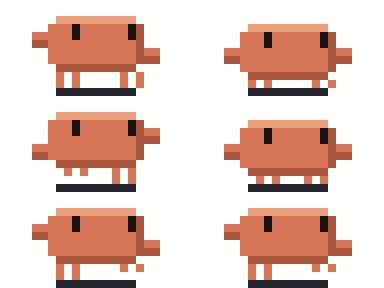 | While Claude reads, searches or plans, he paces back and forth. |
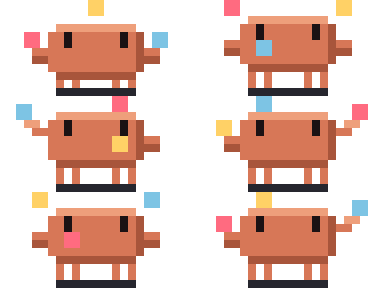 | With three or more subagents running, he juggles them. |
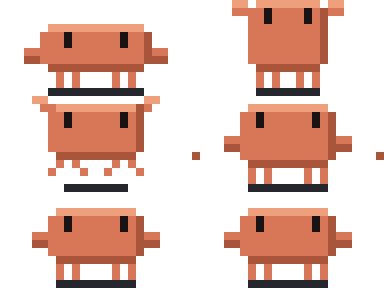 | A passing test makes him hop. |
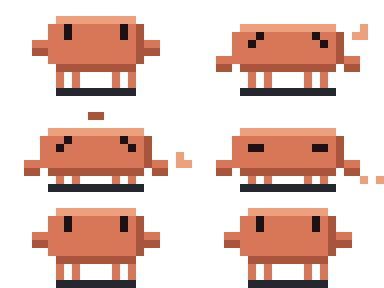 | A failing test makes him sag and sweat, and the sweat drop stays until your next prompt. |
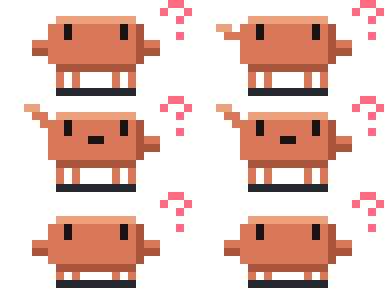 | When Claude needs your approval, he startles and then waits with a question mark beside him. This happens only when Claude Code opens a permission dialog, so he does not react in auto mode, including when the auto-mode check hands a call to you. |
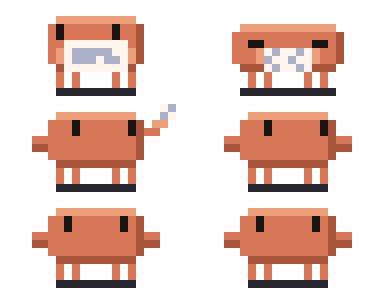 | When the context is compacted, he crumples up a sheet of paper and tosses it. |
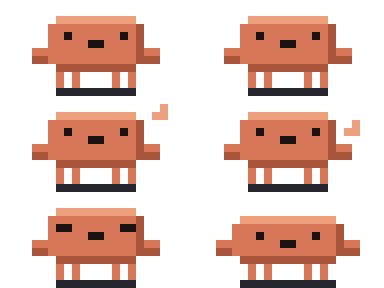 | By default, once the context window is 80% full, he pants. |
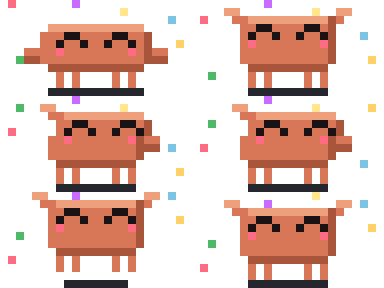 | At the end of a turn he does a little dance. |
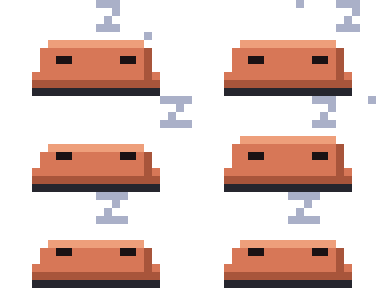 | By default, after a minute with nothing happening he falls asleep, and stretches when something wakes him. |
On a Friday after 15:00, a deploy command gets him into a sweat outfit.
His frames change at most every 80 ms and nothing flashes more than 2.5 times a second. In the narrow drawer he does not animate.
The robot
The robot is the CRT monitor that is the mascot of the crt pack, drawn at 32 × 16 pixels. Pick it with /glowup pet robot.
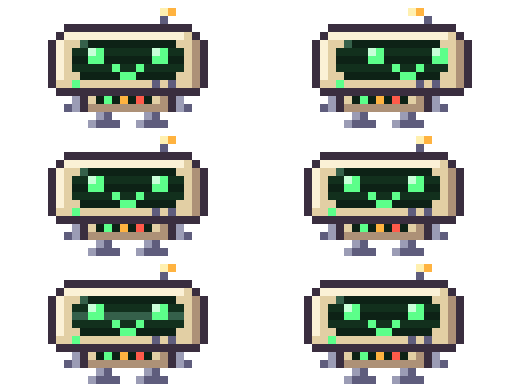
It reacts to the same moments as Clawd, without his outfits.
Speech bubbles
With bubbles on, Clawd says a short line (40 characters at most) by default when a turn ends, when a test fails and when Claude needs you, and the bubble stays for 3 seconds by default. Lines come from a small set of templates per mood, never the same one twice in a row, and some fill in details such as the failure count or the command. In the narrow drawer the line appears beside the one-row Clawd. Choose which moments get a bubble and how long it stays with /glowup setup bubbles.moods and /glowup setup bubbles.ms.
/glowup bubbles off
/glowup bubbles on
/glowup bubbles haiku
Lines written by Haiku
With /glowup bubbles haiku, glowup sometimes asks Claude Haiku for the line. The template line shows first, and Haiku's replaces it only if the reply arrives while that bubble is still up, so the bubble is drawn without waiting for the call.
Cost. Each line is a small Haiku call billed to your account, made with your session's credentials.
What it sends: the mood, the pose, the short label glowup already shows for the current tool, a test summary such as failed 3, and the time of day. It never sends your prompts, file contents, code or secrets. The reply is cleaned to one plain line of at most 40 characters; an empty reply falls back to the template.
glowup makes one call at a time, at most one per turn, at least 90 seconds apart, and abandons a call after 4 seconds. After an error or a timeout, and always in a -p run, under reduced motion or with the pet off, the template line stays and nothing is retried. Errors go to the debug log only.
Choosing a pet
/glowup pet clawd|robot|off picks Clawd, the robot, or no pet. /glowup pet list shows the pets you can pick: Clawd, the robot, the shiny one once you have earned him, and any pet you have installed. The Pet row in /glowup config cycles through the same list, and the Bubbles row changes the bubbles.
Your own pet
You can draw a pet as a PNG sprite sheet, convert it in the studio, and install it with /glowup pet add or a studio link. The sheet layout, the animation rows and the install steps are in Pet sprites.
The shiny pet
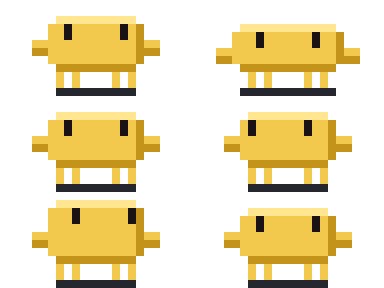
Keep your tests green and see what happens. When it does, glowup tells you, and /glowup pet clawd-shiny switches to a gold Clawd. Progress toward it carries across sessions.
Outfits
Clawd dresses up on some dates and at some hours, by your computer's local time:
- A Santa hat from 20 to 31 December.
- A pumpkin from 25 to 31 October.
- A party hat on the anniversary of the day you installed glowup.
- A nightcap between 23:00 and 04:59.
There are a few more that this page does not list.